How Developers Are Solving Motion Sickness in VR
18 July 2026
Virtual reality (VR) is one of the most exciting frontiers in modern gaming. It puts you right in the thick of the action—climbing mountains, racing cars, or even fighting off zombies. But let’s be honest, while VR looks cool and all, there’s still one major issue that stops many from diving in: motion sickness.
If you've ever felt nauseous or dizzy after a VR session, you're not alone. Motion sickness is a huge hurdle for both players and developers. But don’t worry—devs are rolling up their sleeves and getting clever about fixing it. So, how are developers solving motion sickness in VR? Let's break it down in a way that won't make your head (or stomach) spin.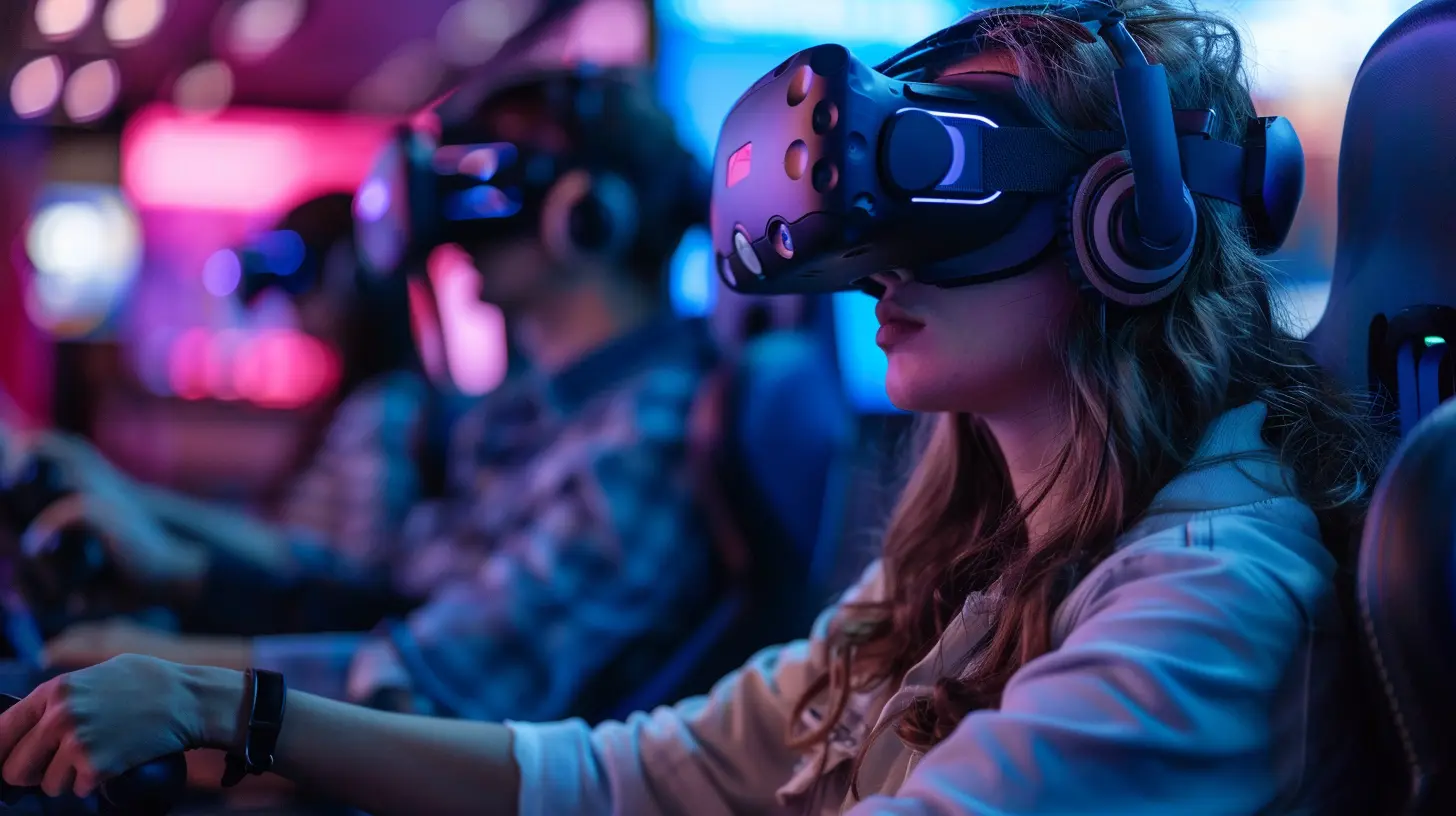
What Even Causes VR Motion Sickness?
Before we talk solutions, we need to understand the problem. Imagine you're in a fast-moving roller coaster VR experience. Your eyes are telling your brain, “We’re flying!” but your inner ear—the part responsible for balance—is saying, “Um, we're sitting still, actually.” That mismatch between what you see and what your body feels? That’s the recipe for motion sickness.The Science Behind It
Motion sickness in VR is a little different than what you might feel in a car or on a boat. In VR, the “sensory conflict theory” comes into play. Basically, your brain gets confused when visual input doesn't line up with physical movement. It thinks you might’ve ingested something toxic (weird, right?) and triggers nausea as a defense mechanism.It's your body's way of saying: “Something’s not right here. Let's shut this down.”
Now, Let’s Talk Solutions
The good news? Developers aren’t just shrugging and saying, “Well, that’s VR for ya.” They're working hard to smooth things out, and some of their methods are seriously impressive.1. Better Frame Rates and Low Latency
One of the first major things devs tackle is the frame rate. You see, smooth visuals make a huge difference. A choppy frame rate can be disorienting and trigger nausea real fast.What’s Happening Behind the Scenes?
Developers are pushing for VR games to run at a minimum of 90 frames per second (FPS). Not 60, not 30—90 and above. Why? Because higher frame rates reduce motion blur and help your brain trust what it’s seeing.And let’s not forget latency. That’s the delay between your movement and what the VR headset shows. The lower the latency, the more “real” the virtual world feels. Ideally, devs aim for a latency of less than 20 milliseconds. Anything higher can contribute to that dreaded dizzy feeling.
2. Using "Comfort Modes"
Ever seen a VR game with teleportation as the movement mechanic? That’s what’s known as a “comfort mode.” Instead of walking or turning your head physically to move in-game, you just point to where you want to go, and boom—you’re there.Why It Works
Teleportation removes the in-game motion that messes with your inner ear. It’s like stepping through a magic door instead of walking a mile. It’s not just teleporting either—some games add vignetting (blurring the edges of your vision during movement) to reduce visual overload. These subtle changes can drastically reduce motion sickness.3. Smart Level Design
It’s not just how you move in VR—it’s where you move, too.Developers are getting smarter about designing levels with motion sickness in mind. That means:
- Avoiding tight, twisty spaces that force quick head turns
- Using wide-open areas with clear visual landmarks
- Minimizing sudden jumps or drops that can cause disorientation
Think of game level design as building a peaceful park instead of a chaotic maze. The more predictable and open a space is, the less likely you are to feel queasy.
4. Head-Locked UI and Fixed Reference Points
Here’s a clever trick: keep some parts of the game world still, no matter how much you move around.Ever notice how a car dashboard doesn’t move when you’re driving? It gives your body a stable reference point. Developers are using the same idea in VR. By anchoring the UI (like health bars or mini-maps) to your head or a fixed space, it provides a visual stability that your brain finds comforting.
It’s like giving your senses a handrail to hold onto.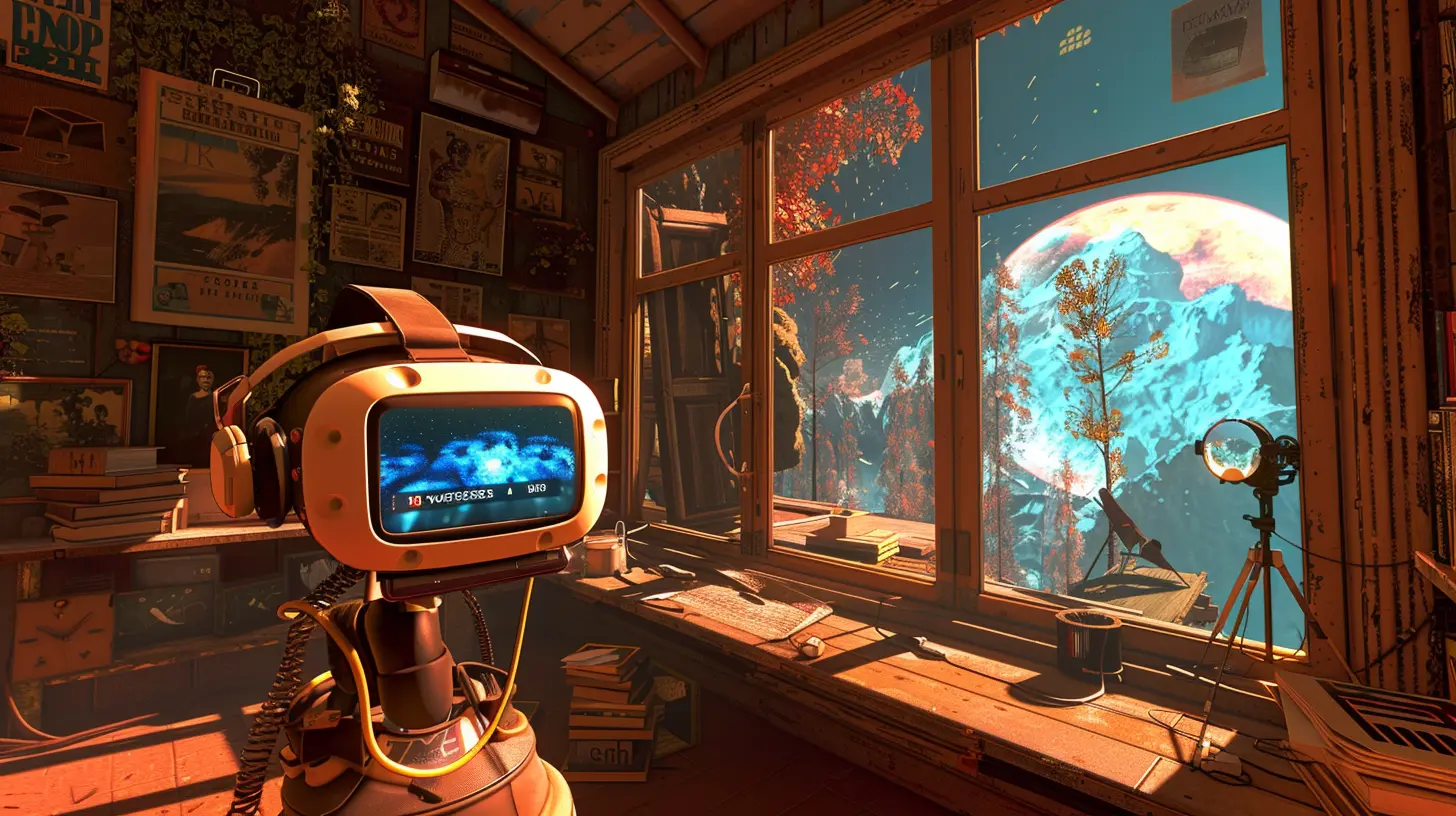
Hardware Innovations Are Stepping Up
Game devs aren't the only ones in this fight—hardware makers are stepping in too. And some of the tech they're rolling out is next-level impressive.1. Eye Tracking and Foveated Rendering
Some high-end VR headsets now include eye-tracking. This allows the system to know exactly where you're looking, improving focus and reducing strain. Combine that with foveated rendering (where only the parts of the image you're looking at are shown in high detail), and suddenly your headset isn’t working as hard, and neither is your brain.Less stress on the visuals = more comfort for you.
2. Improved Headset Ergonomics
Weight distribution matters—a lot. Older VR headsets were heavy and front-loaded, making your head feel like a bobblehead. New designs balance weight more evenly and use better materials to improve fit and comfort.A snug, balanced headset cuts down on fatigue, making it easier to stay in VR without feeling like you just finished a workout.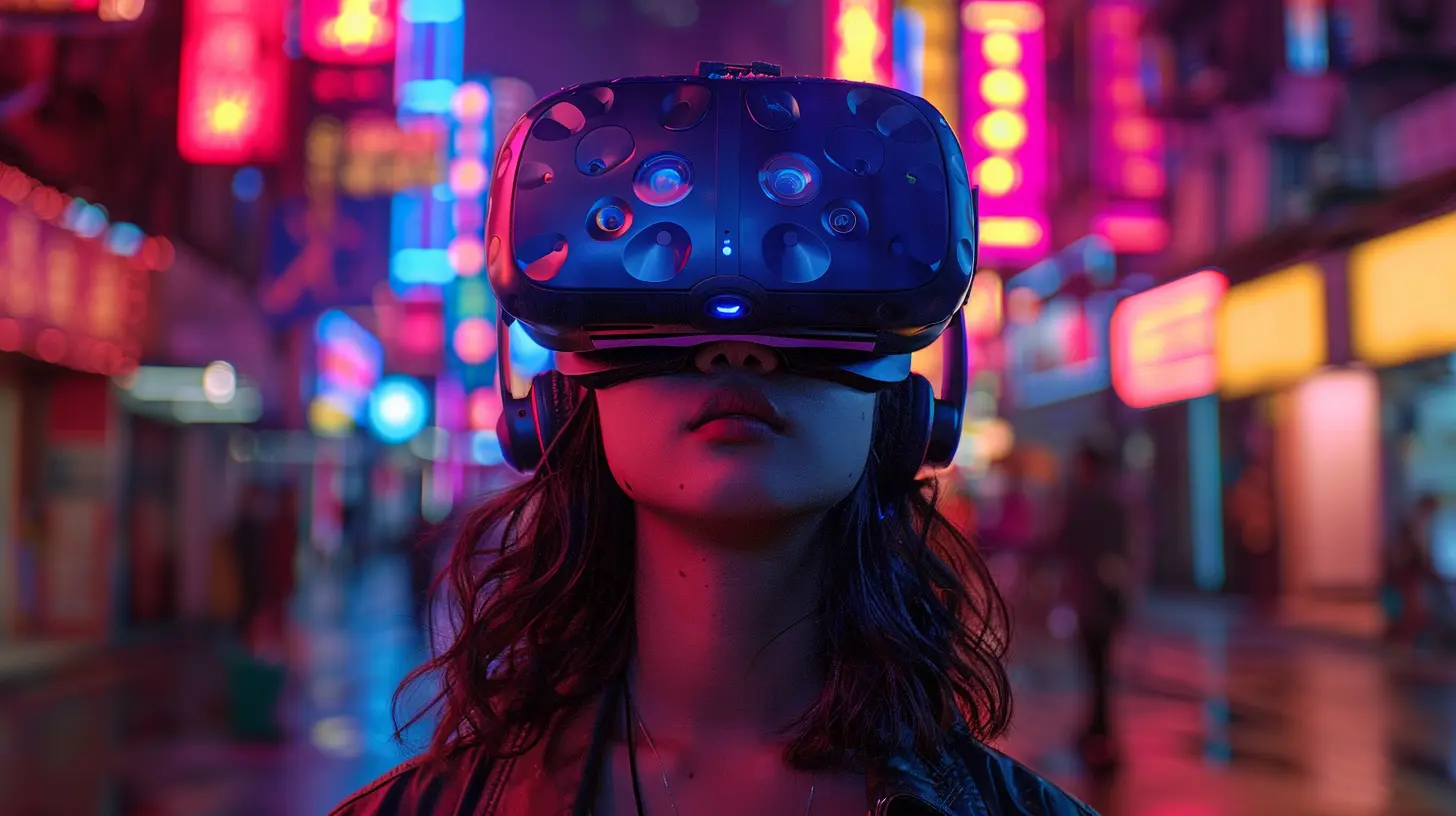
Training Your VR Legs (Yes, That’s a Thing)
Believe it or not, you can build up a tolerance to VR. Just like you wouldn’t run 10 miles your first day in the gym, you shouldn’t jump into an hour-long VR session right away.The Gradual Approach
Developers are encouraging new players to take it slow. Start with seated experiences. Try shorter sessions. Use comfort settings. Over time, your brain gets better at handling virtual movement.Some games even have beginner-friendly tutorials that ease players into movement mechanics. It’s kind of like training wheels for your VR senses.
Making Games That Don't Require Movement
Here’s another smart detour: make games that don’t need intense movement at all. Not every VR experience has to be an action-packed roller coaster.Puzzle games, story-driven experiences, or static combat arenas (like wave shooters) often require minimal movement. Think of games like Beat Saber or Moss—fun, engaging, and no nausea involved.
This allows more players to dip their toes into VR without needing to overcome motion sickness first.
Community Feedback and Iteration
Developers don’t live in a vacuum. They’re constantly listening to players, watching gameplay data, and adjusting features based on what causes discomfort.It’s an Ongoing Process
Beta testing and feedback forums have become gold mines for understanding what’s working and what’s not. Some devs even implement player surveys to gauge how people feel after playing.VR is evolving faster than ever, and it's largely because the people who make these games are staying connected with the people who play them.
The Role of Personalization
One size doesn’t fit all—especially in VR. Everyone’s tolerance level is different. That’s why many modern VR games let you tweak comfort settings. Whether it’s changing the movement style, adjusting visual effects, or turning off head bobbing, players can fine-tune the experience to suit their own comfort.And customization doesn’t stop there. Some systems even allow for color adjustments, brightness tweaks, and audio fine-tuning to create a more personalized and less overwhelming experience.
So... Is Motion Sickness a Thing of the Past?
Well, not quite. But we’re getting closer to a future where VR motion sickness will be the exception, not the rule.Major strides have been made—and continue to be made—in both software and hardware. Developers are more mindful than ever, designing around user comfort instead of just cranking up the wow factor. And with faster processors, improved graphics, and smarter tracking, the tech is finally catching up to the dream.
If you’ve been holding off on VR because of motion sickness, you might want to give it another shot. The tools and techniques being used today are night and day compared to just a few years ago.
And remember, like with anything new, your brain just needs some time to get used to it. So take it slow, tweak those settings, and don’t be afraid to hit pause if you need a break.
Final Thoughts
VR is one of the most immersive forms of gaming out there, but its early years were definitely bumpy for many players. Motion sickness was, and still can be, a major barrier. But with the combined efforts of developers, hardware engineers, and players themselves, the experience is becoming smoother and more comfortable every day.So the next time you strap on your headset and step into a new world, you can breathe a little easier—developers have your back (and your stomach).
all images in this post were generated using AI tools
Category:
Vr TechnologyAuthor:

Tina Fisher