How a Desk Mount for Monitors Can Improve Your Gaming Posture
17 December 2025
Are you someone who spends countless hours immersed in your favorite games? If so, you know that the thrill of gaming can sometimes overshadow taking care of your body, especially when it comes to posture. Let’s be honest—how often do you catch yourself hunched over, glued to your screen, or reclining in a way that would make a chiropractor cringe? If this sounds familiar, don’t worry; you’re not alone. However, there’s a game-changer (pun intended) that can drastically improve your gaming setup and, more importantly, your posture: a desk mount for monitors.
In this article, I’ll break down why you need a monitor desk mount, how it can improve your gaming experience, and why your back and neck will thank you later. Ready? Let’s dive in! 
Why Monitor Posture Matters in Gaming
Let’s face it, gaming comes with some serious commitment. Whether you’re grinding ranks in Valorant, delving into the vast open world of Elden Ring, or casually building in Minecraft, you’re going to spend hours at your desk—probably more than you'd like to admit. With that kind of time investment, it’s easy to slip into unhealthy positions without realizing it.Think about it: you’re leaning forward, craning your neck, your shoulders are hunched, and your back feels like it’s got its own storyline (spoiler: it doesn’t end well). Poor posture doesn’t just leave you sore; it can seriously harm your health in the long run.
Ever-ending neck pain? Check. Stiff shoulders? Double-check. Tension headaches that make you want to rage quit life? Triple-check. But here’s the kicker: all of this can also affect your gaming performance. Aches and pains are huge distractions, and let’s not even get into how the lack of proper blood circulation messes with your reaction times.
So, what’s the fix? Adjusting your monitor setup is one of the simplest yet most effective steps you can take, and that’s where a desk mount comes into play. 
What Is a Desk Mount for Monitors?
If you’re not familiar, a desk mount is a device that attaches to your desk and holds your monitor(s) in place. Think of it as a super-flexible robot arm for your screen. Unlike basic monitor stands, a desk mount allows you to adjust your screen's height, tilt, angle, and even rotation.Picture this: no stacks of books or wobbly makeshift stands to prop up your monitor. Just a sleek, sturdy setup tailored perfectly to your eye level and sitting posture. Sounds dreamy, right? 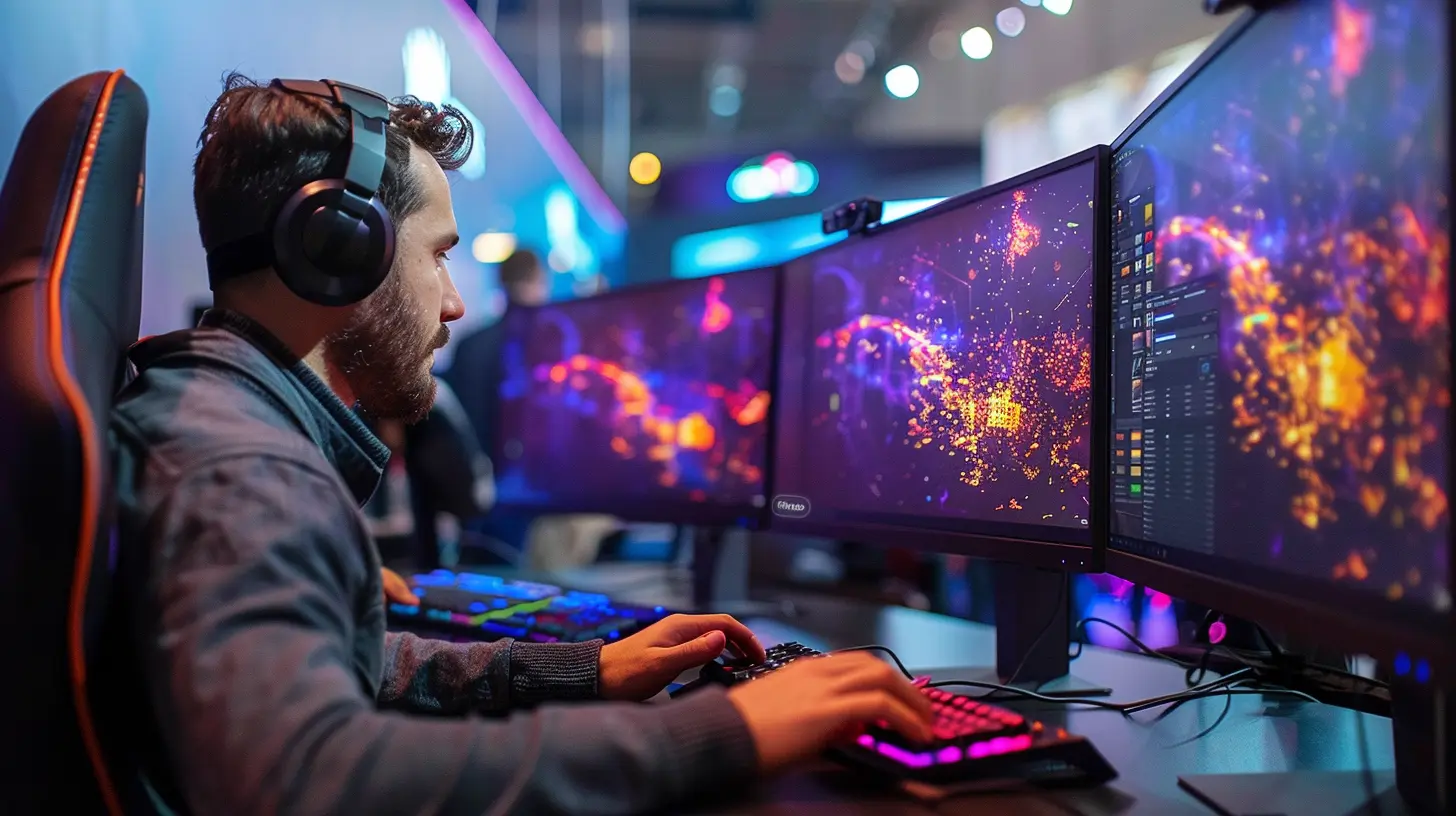
How a Desk Mount Can Improve Your Gaming Posture
Here’s how a desk mount works its magic:1. Aligns Your Monitor with Your Eye Level
The golden rule of great posture is simple: your screen should be at eye level. If your monitor is too low, you’ll naturally tilt your head down. Over time, this creates strain on your neck and upper back.A desk mount lets you adjust your monitor so it’s perfectly aligned with your gaze. Just imagine sitting down, looking straight ahead, and having your screen meet your eyes without needing to stretch or slouch. It’s like having a co-op partner in your battle for better posture.
2. Promotes a Neutral Sitting Position
A neutral posture is where your back is straight, your feet are flat on the floor, and your arms rest comfortably at a 90-degree angle. Doesn’t sound too hard, right? But if your screen isn’t in the right spot, it’s impossible to maintain.With a desk mount, you can tweak your monitor’s position to fit your setup, keeping you in that sweet spot of comfort and alignment. This reduces long-term strain on your spine and muscles, keeping you feeling fresh for those marathon gaming sessions.
3. Reduces Clutter and Maximizes Desk Space
Okay, this might not sound directly related to posture, but hear me out. Having a messy desk can lead to awkward seating positions. Maybe you’re pushing your keyboard too far back because your monitor stand hogs all the space, or your arms are stretched uncomfortably to make room for snacks and gear.With a desk mount, your monitor is elevated, which frees up valuable desk real estate. More space means you can neatly organize your peripherals and sit properly without feeling cramped. It’s a win-win.
4. Minimizes Screen Glare
Lighting can play a sneaky role in ruining your posture. If you’re squinting or adjusting your position to avoid screen glare, you’re unknowingly hurting your body. A desk mount allows you to tilt and angle your monitor to minimize glare, so you can stay comfortable while enjoying crystal-clear visuals.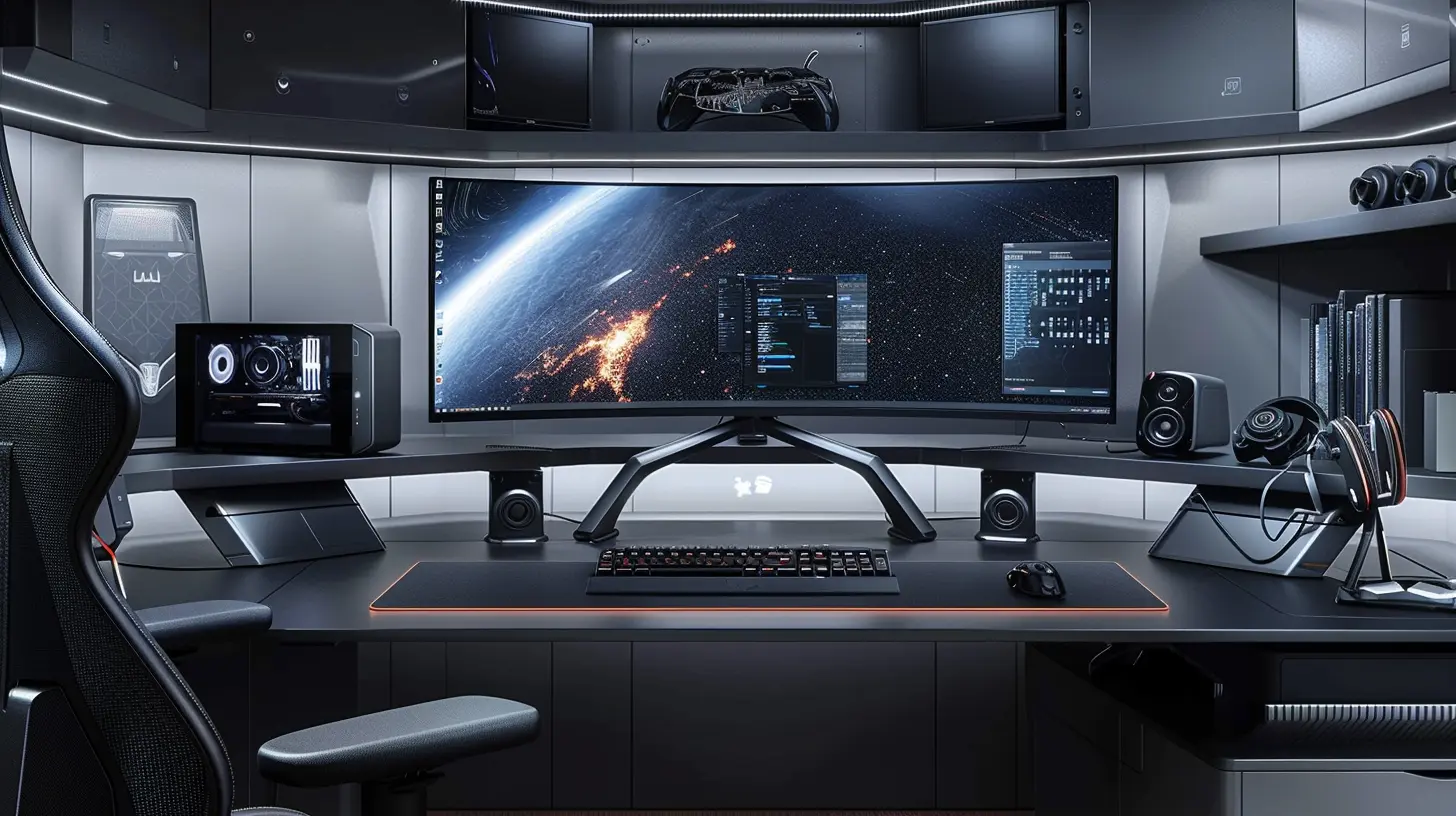
Choosing the Right Desk Mount for Your Setup
Not all desk mounts are created equal, and picking the right one depends on your specific gaming setup. Here are a few factors to consider:1. Monitor Size and Weight
Make sure the mount you choose can support your monitor’s size and weight. Most mounts list this information clearly, so double-check before you buy.2. Single vs. Dual Monitor Mounts
Do you game with one monitor, or are you part of the dual-screen squad? There are desk mounts designed for both setups, so pick one that suits your needs.3. Adjustability Options
Some mounts are more flexible than others. Look for one that offers a wide range of motion—height, tilt, swivel, and rotation—to get the most out of your setup.4. Build Quality
You don’t want to skimp on quality here. A sturdy, durable mount ensures your expensive monitor stays secure and won’t suddenly come crashing down mid-match (talk about a rage moment).Setting Up Your Desk Mount for Maximum Comfort
Got your desk mount? Awesome! Here’s how to set it up for optimal gaming posture:1. Position Your Screen at Eye Level
When sitting down, your eyes should align with the top third of your monitor. Adjust the height and tilt accordingly.
2. Keep Your Monitor at Arm’s Length
The distance between your monitor and your eyes should be roughly an arm’s length. Too close, and you’re straining your eyes. Too far, and you’ll find yourself leaning forward.
3. Angle the Screen Slightly Upward
A slight upward tilt reduces strain on your neck and keeps your head in a neutral position.
4. Adjust for Lighting
Position your monitor to avoid glare from windows or overhead lights.
5. Test and Fine-Tune
Sit in your gaming chair, get comfy, and make minor adjustments until everything feels just right.
Additional Benefits of Using a Desk Mount
Still not convinced? Here are some bonus perks of adding a desk mount to your gaming setup:- Enhanced Immersion: A well-placed monitor draws you deeper into the game world.
- Easier Cable Management: Most desk mounts come with built-in cable organizers, keeping wires tidy and out of your way.
- Sleek Aesthetic: Let’s admit it—floating monitors just look cool. It’s like turning your desk into a futuristic command center.
- Future-Proofing: A good-quality mount can last for years and adapt to new monitors as you upgrade.
Final Thoughts
A desk mount for monitors isn’t just a trendy accessory; it’s an investment in your health, comfort, and gaming experience. By improving your posture, reducing strain, and optimizing your setup, it allows you to game longer and better without the physical toll.So, what are you waiting for? Level up your gaming setup and give your body the love it deserves. Trust me, your future self (and your kill-death ratio) will thank you!
all images in this post were generated using AI tools
Category:
Gaming AccessoriesAuthor:

Tina Fisher
Discussion
rate this article
2 comments
Zephyris Brooks
Great tips for healthier gaming setups!
December 27, 2025 at 4:49 PM
Tina Fisher
Thank you! I'm glad you found the tips helpful for creating a healthier gaming environment. Happy gaming!
Tempest Ford
Investing in a desk mount for your monitors is a game-changer! Not only does it enhance your gaming experience, but it also promotes better posture, ensuring long hours of play are both comfortable and healthy. Level up your setup!
December 19, 2025 at 5:54 AM
Tina Fisher
Thank you! A desk mount truly transforms the gaming experience, balancing comfort and health for those long sessions. Glad you agree!