Visual Feedback in Crafting Systems That Satisfy
19 August 2026
Crafting systems in games have come a long way. They’re no longer a boring checklist of items tossed into a grinder, hoping for something valuable to pop out. Nope, the good games—the ones we keep going back to—make crafting feel rewarding. You know that moment when the screen flashes, the sound hits just right, and your hard-earned materials combine into something awesome? That's visual feedback doing its magic.
But what makes visual feedback in crafting systems so important? Why does it keep players hooked? And how do developers fine-tune it to make us feel like medieval blacksmiths—even when all we’re doing is clicking a mouse?
Let’s dig in and talk about how visual feedback transforms crafting systems from forgettable mechanics into satisfying, addictive gameplay loops.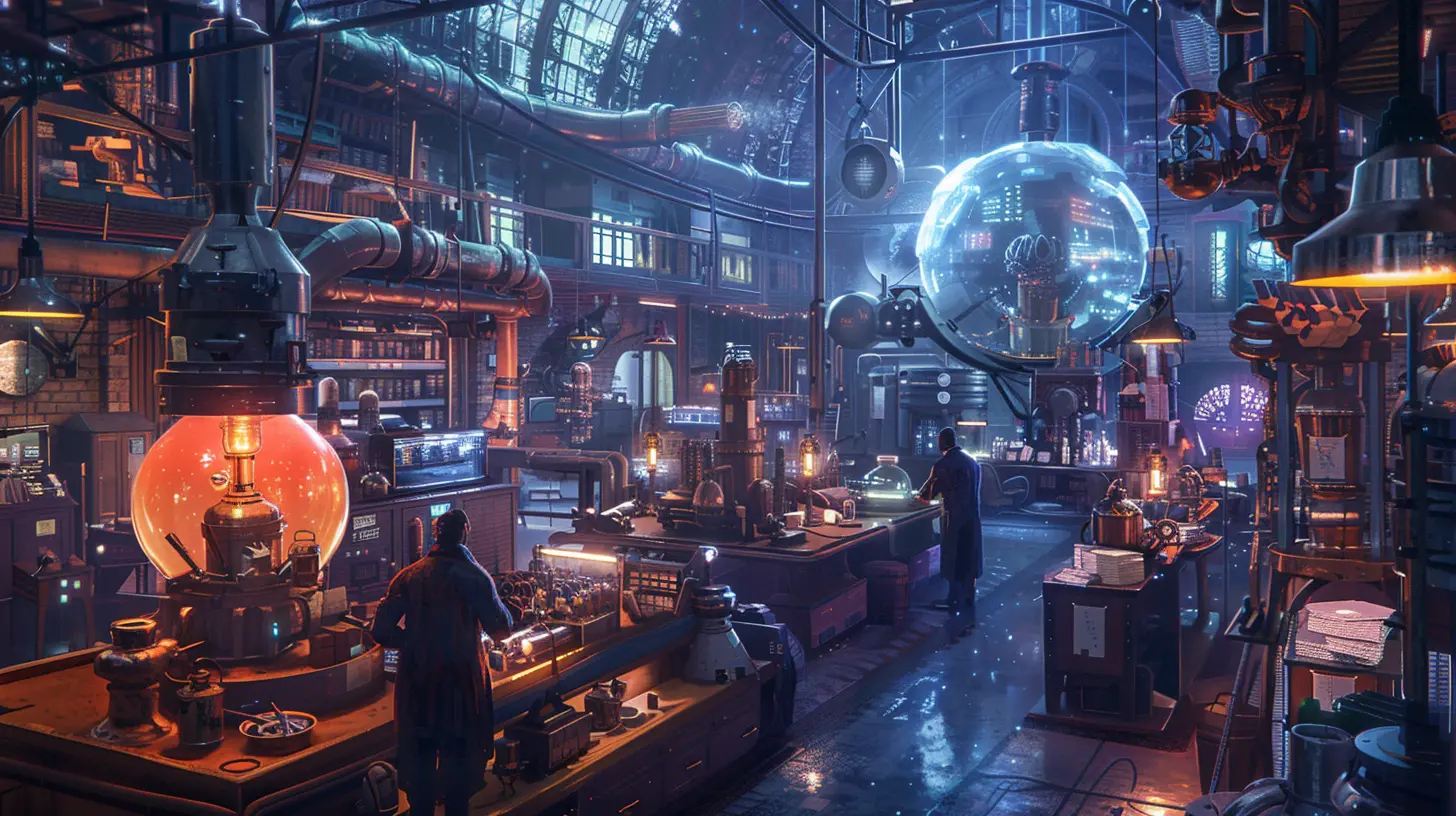
What is Visual Feedback in Crafting?
First things first—visual feedback is everything the game shows you while you're crafting. It includes animations, UI effects, particle systems, color flashes, completed item presentations, and even environmental changes. It's all the little things that tell your brain, “Hey! You did a thing. And it mattered.”In crafting systems, visual feedback bridges the gap between action and reward. You click a button to craft a sword? That flash of sparks and satisfying "shing!" sound? That’s the game saying, “Well done!”
Without visual feedback, crafting feels like cooking in the dark. You toss ingredients into a pot, but you don’t see or feel the result—until the end, when something bland just shows up in your inventory. Yawn.
Why Visual Feedback Matters in Game Design
So, why all the fuss about visuals? Can’t we just have crafting manuals and be done with it?Well, not exactly. Here's why visual feedback is kind of a big deal:
1. It Feeds the Brain’s Reward System
You know that subtle dopamine hit when you see the final product appear in a shower of golden particles? That’s not an accident. Our brains are wired to respond to sensory cues. Visual feedback gives us immediate gratification. It's like applause for our in-game efforts.2. It Confirms Player Actions
Feedback is essential for clarity. When you drag resources into a crafting grid and see them highlight or animate, you know the system recognized your action. This confirmation builds trust between the player and the game. It says, “You did good, carry on!”3. It Makes the Process Feel Tangible
Great visual feedback gives weight to your actions. Suddenly, you're not just combining items—you’re forging, melting, grinding, or weaving. Visuals make it feel real, even if you're in a world where trolls ride unicorns.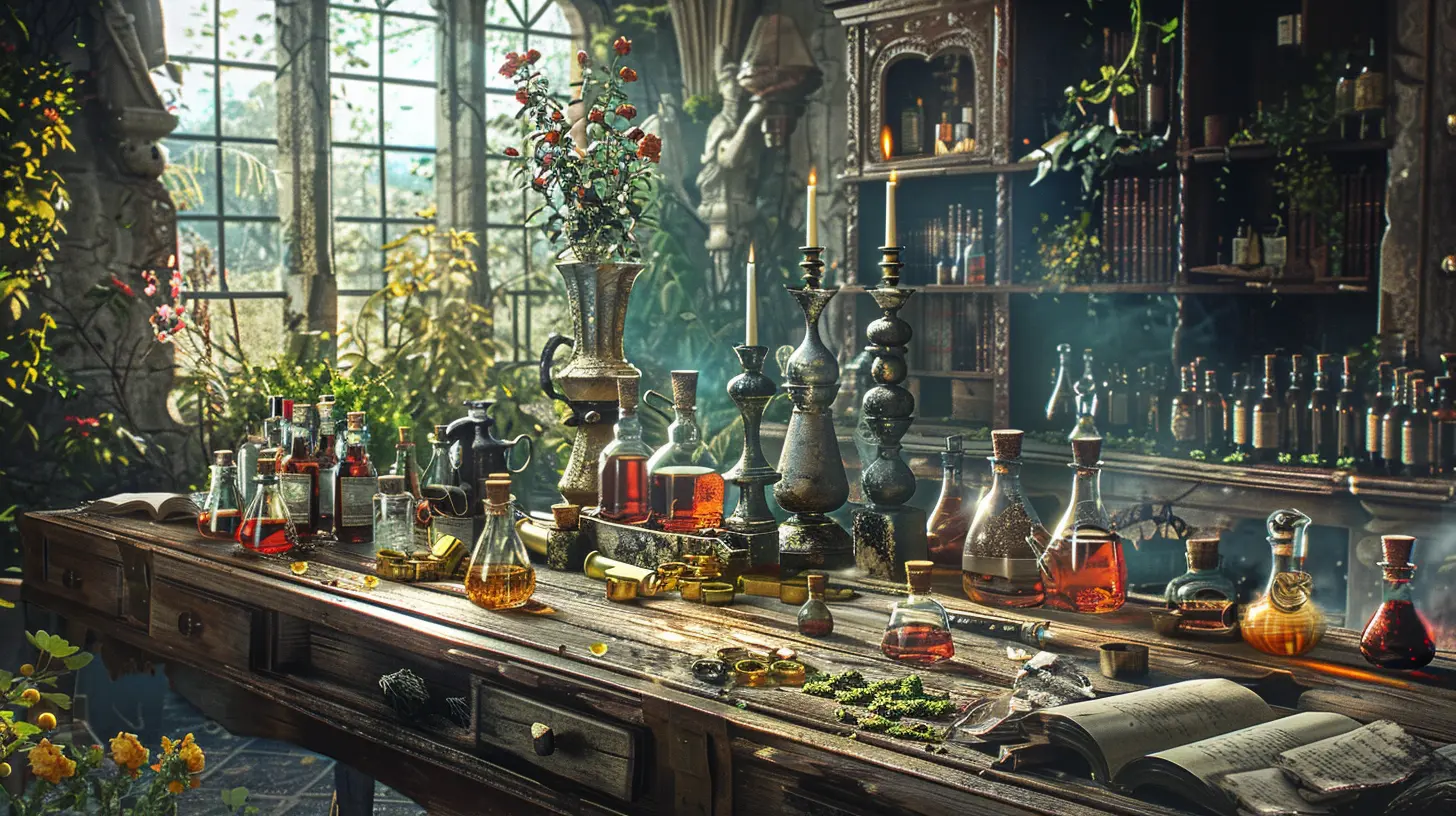
Games That Nail Visual Feedback in Crafting
Let’s look at some games that absolutely crush it when it comes to satisfying visual feedback in crafting.Minecraft
Ah yes, the OG of satisfying crafting. Minecraft’s system is simple—but incredibly intuitive. Dragging items into the grid, seeing them form new recipes, and watching the item appear instantly—it just clicks. The clunky crafting table UI still gives a nostalgic rush to this day.Breath of the Wild
Nintendo nailed crafting with a whimsical twist. When you throw ingredients into a cooking pot, you get that goofy tune and bubbling animation. Then BOOM—a dish appears with sparkle effects and a satisfying chime. Sometimes, if you mess up, you get “Dubious Food” with a blurred-out image. Even failure is communicated visually in a fun way.Valheim
Valheim adds a rustic feel. Every crafted item has bold animations, and using a forge feels like something out of Norse mythology. Sparks fly, smoke billows, and your character even uses a hammer—selling the illusion that YOU made that iron sword.Monster Hunter: World
Crafting is epic in Monster Hunter. There's an entire blacksmith animation for each weapon or armor piece. The camera zooms in, hammers pound, and the metal glows. You feel like a true hunter preparing for battle. It elevates mere crafting into ceremony.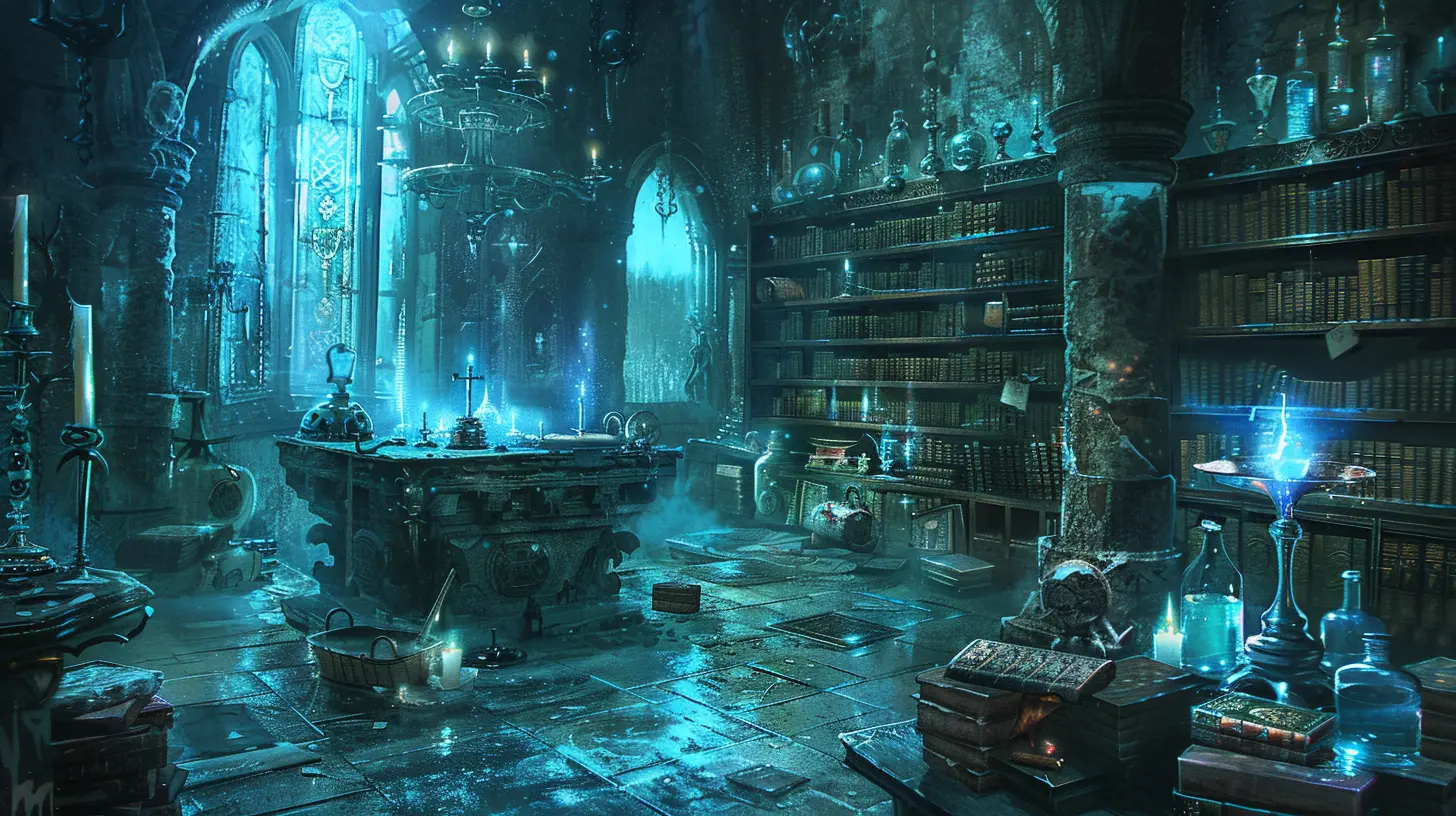
Essential Elements of Great Visual Feedback
So what makes visual feedback really satisfying? There’s no one-size-fits-all formula, but good systems typically include these key ingredients:1. Clear Input and Output
You should always know what you're crafting and what you’ll get. Visual indicators like icons, pop-up texts, or ghost images of the item help manage expectations.2. Animation That Matches the Craft
If you’re making a sword, show sparks, molten metal, or a hammer swing. If you're brewing potions, show bubbles, swirls, or color changes. Tailoring animation to the item makes it immersive.3. Audio-Visual Harmony
While we're all about visuals here, sound plays a huge supporting role. Crafting feedback hits harder when it’s paired with satisfying sounds—clinks, whooshes, dings, or thuds. Think of it like popcorn: it’s both the pop and the smell that make it irresistible.4. Varied Feedback for Success and Failure
Not every crafting attempt should be victorious. But don’t just say “FAILED.” Add smoke, cracks, or even some humorous effects. It eases the pain and keeps engagement high.5. Progress Indicators
Bar fills, time-lapse animations, or gear-turning indicators give a sense of progression. It’s like watching bread rise—you appreciate the result more when you’ve waited a bit.How Visual Feedback Enhances Player Immersion
Immersion is that feeling of getting lost in a game—when hours pass without you noticing. Crafting, done well, plays into this beautifully. With engaging visual feedback, players don’t just “use” materials—they transform them.Think about blacksmiths in RPGs. If the crafting involves a hammer, a glowing forge, and the sound of clanging metal, it's more than just crafting. It becomes roleplay. It's immersion.
When crafting aligns visually with a game’s lore and aesthetics, it reinforces world-building. Crafting a sci-fi gun should look high-tech with lasers and blueprints. Meanwhile, making a wooden bow in a fantasy forest should look rough and earthy. The right visuals blend the mechanic into the world, making everything feel cohesive.
The Psychology of Satisfaction
There’s a simple reason you feel satisfied when crafting is visualized well—it taps into basic psychological principles.- Competence: You feel skilled when crafting leads to visible results. Especially when those visuals frame you as the hero or expert.
- Autonomy: When crafting gives you control over how and when the visuals appear, it adds to the satisfaction.
- Relatedness: Games that let you share your crafted items—like building a base in Rust—use visual feedback to foster social connections. Players admire each other's creations. That’s reinforcing.
Crafting visuals aren’t just pretty wrapping paper—they’re psychological tools.
Where Developers Go Wrong
Yep, not everyone gets it right. Some games treat crafting like a dull spreadsheet. Here’s where it usually falls flat:- Lack of Feedback: No animation, no change, no nothing. Just a text saying “Success.” Booooring.
- Overly Complex UIs: If you need a PhD in inventory management to figure out which parts go where, chances are players will skip crafting altogether.
- Clunky Transitions: Visual feedback needs to be quick and smooth. If there’s lag, weird pauses, or janky movements, immersion shatters.
- Repetitive Effects: Seeing the same animation fifty times in a row? Snooze fest. Variety is key.
Tips for Game Developers
If you're a developer or an aspiring designer, here's how to boost the satisfaction level of your crafting systems:- Use particle effects and lighting to highlight crafting moments.
- Integrate mini-animations like hammer strikes or stirring spoons.
- Keep the UI intuitive and visually responsive.
- Use sound to complement visual cues.
- Give feedback at each step—material input, crafting, and completion.
- Celebrate success with fireworks (okay, maybe not literal ones—but close enough).
Also—don’t underestimate the power of subtlety. A small glow around ingredients when they’re selected can make things feel alive.
Crafting Systems of the Future
With VR and AR becoming mainstream, visual feedback is going to get even crazier. Imagine crafting a sword in VR—actually swinging a hammer with your hands, seeing sparks fly in real time. That’s not far off.Games in the future will likely blend tactile feedback (hello, haptics) with visuals to create 4D crafting experiences. Think of it like a cooking show where you not only see the food—you smell it and feel the knife in your hand.
The line between crafting in-game and real-world activities is starting to blur. That’s exciting.
Wrapping It All Up
Visual feedback in crafting systems isn’t just “nice to have”—it’s the glue that makes the whole mechanic stick. When it's done right, it makes you feel like a craftsman, an inventor, or a wizard concocting spells. It immerses, rewards, and keeps you coming back for that next satisfying visual payoff.So the next time you feel that zing of pleasure when your pixelated potion brews or your freshly-forged armor glows? Tip your metaphorical hat to the visual feedback that made that magic happen.
Game developers—keep those sparks flying. Players—you’re not just clicking buttons. You’re creating art. And that deserves to look as good as it feels.
all images in this post were generated using AI tools
Category:
Item CraftingAuthor:

Tina Fisher