Navigating the Challenges of VR Game Development
13 June 2026
Virtual Reality (VR) is like the wild west of the gaming industry—new, exciting, untamed, and full of promise. But it's not all cowboy hats and futuristic headsets. If you're a developer venturing into the VR world, you're probably already feeling the hurdles—those tricky obstacles that make VR game development a whole different beast from traditional gaming.
So, what makes building VR games so darn challenging? And more importantly, how can we tackle those challenges head-on without losing our sanity… (or our budgets)? Grab your headset, and let’s dive deep into what it really takes to bring a VR game to life.
The Allure of VR: Why We Embrace the Challenge
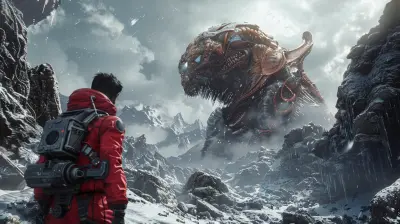
Before we get into the gritty stuff, let’s take a moment to appreciate why VR is worth the sweat.VR isn’t just another way to play—it’s a whole new way to experience. When you strap on a VR headset, you’re not just watching a game world—you’re stepping into it. There’s something magical about standing on a mountaintop in a fantasy world or dodging bullets in slow-mo like you're in a sci-fi movie. It’s immersive storytelling at its finest.
But to create those jaw-dropping moments, developers have to work some serious behind-the-scenes magic. And that’s where the challenges kick in.
Designing for Immersion: It’s Not Just About Graphics
One of the golden rules of VR game development is immersion. But immersion isn’t just about making things look pretty—it’s about making players feel like they’re really there. And trust me, that’s a tall order.1. Rethinking Game Mechanics
The game mechanics that work on flat screens often fall flat in VR. Something as simple as jumping can be a real issue—imagine trying to simulate that sensation in a headset without making someone feel like they’re on a rollercoaster (and not in a good way).VR developers need to reimagine everything:
- How players move
- How they interact with objects
- How they aim, shoot, build, or fight
The secret? Make it natural. Think of how people move and behave in real life, and build your game around that. It’s a total shift in mindset.
2. Comfort is King
Let’s talk about motion sickness. Yep, it's real. If your game makes people dizzy, uncomfortable, or even nauseous, you’ve lost them—fast.Designing comfortable VR means:
- Avoiding sudden camera movements
- Preventing disorienting controls
- Keeping a high frame rate (90+ FPS is the sweet spot)
Imagine being on a virtual rollercoaster that never ends—and you can’t take the headset off. That’s what bad VR feels like. Always prioritize the user’s comfort.
Hardware Limitations: The Tech Can’t Always Keep Up
As futuristic as VR feels, we're still in early stages tech-wise. Headsets are better than ever, but they still have their shortcomings.3. Performance Bottlenecks
VR games need to run at high frame rates across two screens (one for each eye). That’s double the rendering workload compared to traditional games. And if performance dips? Say hello to lag, stuttering, and—yep—motion sickness again.Developers often have to:
- Optimize the heck out of every asset
- Cut unnecessary features to maintain performance
- Use smart tricks to make environments look better than they actually are (think lighting illusions, clever textures, etc.)
4. Device Fragmentation
Not all VR headsets are created equal. Some are standalone (like Quest 2), others rely on PCs (like Valve Index), and their capabilities vary a lot.So what happens when you're trying to make a game for multiple devices? You end up juggling multiple versions, UI differences, and control schemes. It's like trying to direct a play with actors from different countries—everyone speaks a slightly different language.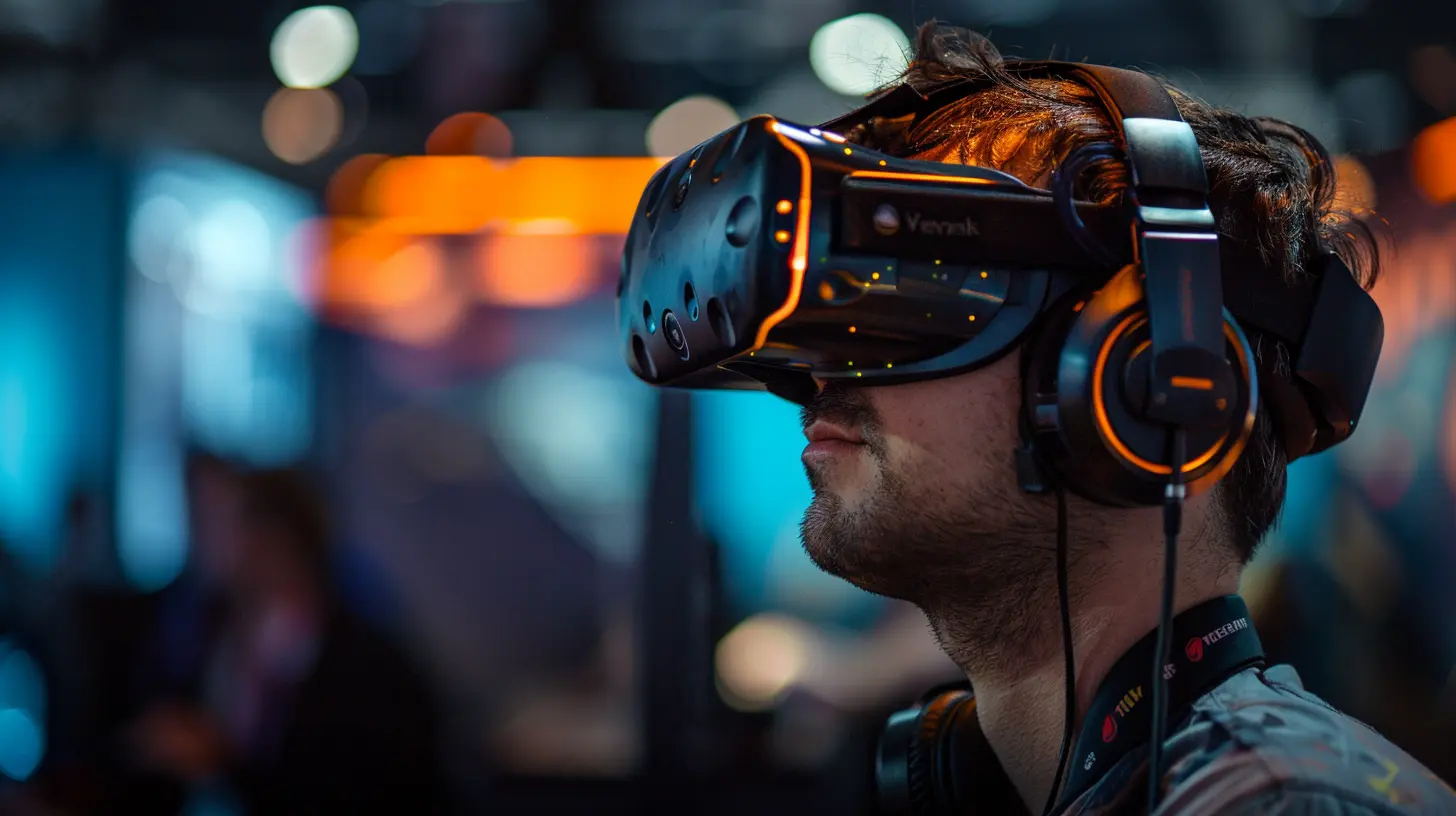
Interface Challenges: Say Goodbye to Traditional HUDs
In VR, you can’t just slap a health bar in the top corner or a chat window at the bottom. It’s immersive world-building 101 — the UI has to blend seamlessly into the universe.5. Reimagining UI and UX
VR interfaces need to be:- Diegetic (part of the world—like a wristwatch or a floating screen)
- Intuitive
- Easy to use with motion controllers
You’re designing for players who aren't holding a controller—they’re in the game. That means thinking in 3D space. How do they grab inventory? How do they check the map? It's UI design on hard mode.
Control Schemes: Hands-On, But Not Always Handy
Traditional gaming has had decades to refine controllers. VR? Not so much. You’re dealing with motion-tracked controllers (sometimes even full-body tracking), hand gestures, and eye-tracking.6. Balancing Accessibility with Innovation
Let’s face it—some players find VR controls intimidating. If your control scheme is too complex, you’ll alienate a chunk of your audience.The trick is to:
- Keep interactions intuitive
- Offer adjustable settings (like dominant hand options or comfort modes)
- Include tutorials that are part of the game environment (nobody likes reading instructions in VR)
Remember Wii Sports? It nailed simplicity. That’s the bar to aim for—accessible, fluid, and fun.
Storytelling in VR: Show, Don’t Tell (Literally)
VR storytelling is a whole different ball game. Cinematic cutscenes don’t really work because players can look away — or wander off entirely. Your narrative tools are limited, so you’ve got to get creative.7. Environmental Storytelling is Everything
In VR, you don’t tell the story—you build it around the player. Think of games like Half-Life: Alyx. The world shows you the story through objects, sounds, and the environment itself.Use:
- Audio cues
- Environmental design
- Interactive elements
Instead of forcing plot down their throat, let players discover it naturally. It’s like breadcrumb storytelling.
The Cost Factor: Big Dreams, Big Budgets
Let’s not sugarcoat it. VR game development isn't cheap. It requires:- Highly skilled teams
- Specialized tools and engines
- Tons of testing and optimization across devices
8. Small Studios vs. Goliath Studios
Indie developers often struggle to keep up with the big guns. But creativity doesn’t always require AAA budgets. Some of the most impactful VR experiences come from small studios with unique ideas.If you're working on a shoestring budget:
- Focus on smaller, tighter experiences
- Lean into stylized visuals instead of photorealism
- Test early and often with real users
Start small, polish it well, and let word of mouth do its thing.
Testing and Feedback: The Underrated MVP
Testing in VR is a whole process. Unlike traditional games where players can quickly give feedback via keyboard or controller, VR demands a more physical—and personal—experience.9. Real-World Testing Is Non-Negotiable
You can’t simulate how someone feels until they’re in the headset. This means:- Playtesting with diverse players
- Watching for physical reactions (like squinting, stumbling, or frowning)
- Gathering feedback, then iteratively tweaking
Think of your testers as your co-pilots. If they’re not having fun or they’re feeling off, it’s a sign to go back to the drawing board.
Keeping Up With the Pace: This Industry Moves Fast
Tech evolves quickly—today’s hot feature is tomorrow’s standard. Staying relevant means staying agile.10. Constant Learning and Adapting
New tools, new engines, new devices—VR devs have to be lifelong learners. That might mean:- Joining VR communities and forums
- Watching dev talks
- Trying out new tech as soon as it's available
It’s like surfing. You gotta ride the wave or risk getting wiped out.
Final Thoughts: Is It All Worth It?
Absolutely. Despite all the hurdles, VR game development is among the most rewarding, creative, and mind-blowing experiences you can have as a developer. Yeah, it’s tough. Yeah, it’s expensive. But you're not just making a game—you’re creating a whole new world people can step into.If you’re passionate about storytelling, tech, and pushing the boundaries of gaming, VR is your playground. So don’t let the challenges scare you off. Embrace them. Lean into them. Because on the other side of all that effort? Magic.
Quick Tips for Aspiring VR Game Developers
- Start small. A polished mini-experience beats a buggy epic any day.- Prioritize player comfort above everything else.
- Play lots of VR games to see what works (and what doesn’t).
- Keep your UI simple and natural.
- Don’t skimp on audio—it makes or breaks immersion.
- Get real users to test at every stage.
- Stay curious, and never stop learning.
__Ready to build the next big thing in VR? The challenges are real—but so are the rewards.__ Keep going, keep testing, and keep believing in your vision. You've got this.
all images in this post were generated using AI tools
Category:
Vr TechnologyAuthor:

Tina Fisher
Discussion
rate this article
1 comments
Zeno Nelson
Great insights on VR game development! It's a wild ride full of challenges, but keep pushing forward. Just remember, every obstacle is a chance to create something amazing. You've got this!
June 18, 2026 at 3:01 AM
Tina Fisher
Thank you! It's a journey for sure, but every challenge brings new opportunities. Appreciate the encouragement!