How Accessibility Features Are Becoming Standard in Games
2 July 2026
Gaming has come a long way since the days of 8-bit graphics and clunky cartridges. And while visual fidelity and gameplay mechanics have evolved by leaps and bounds, one of the most powerful changes in recent years has been the rise of accessibility features in video games. No longer an afterthought or a niche consideration, accessibility is now front and center during game development—and it’s about time!
Let’s break down how accessibility features are becoming standard in games, why that shift is essential, and what it means for players and the industry as a whole.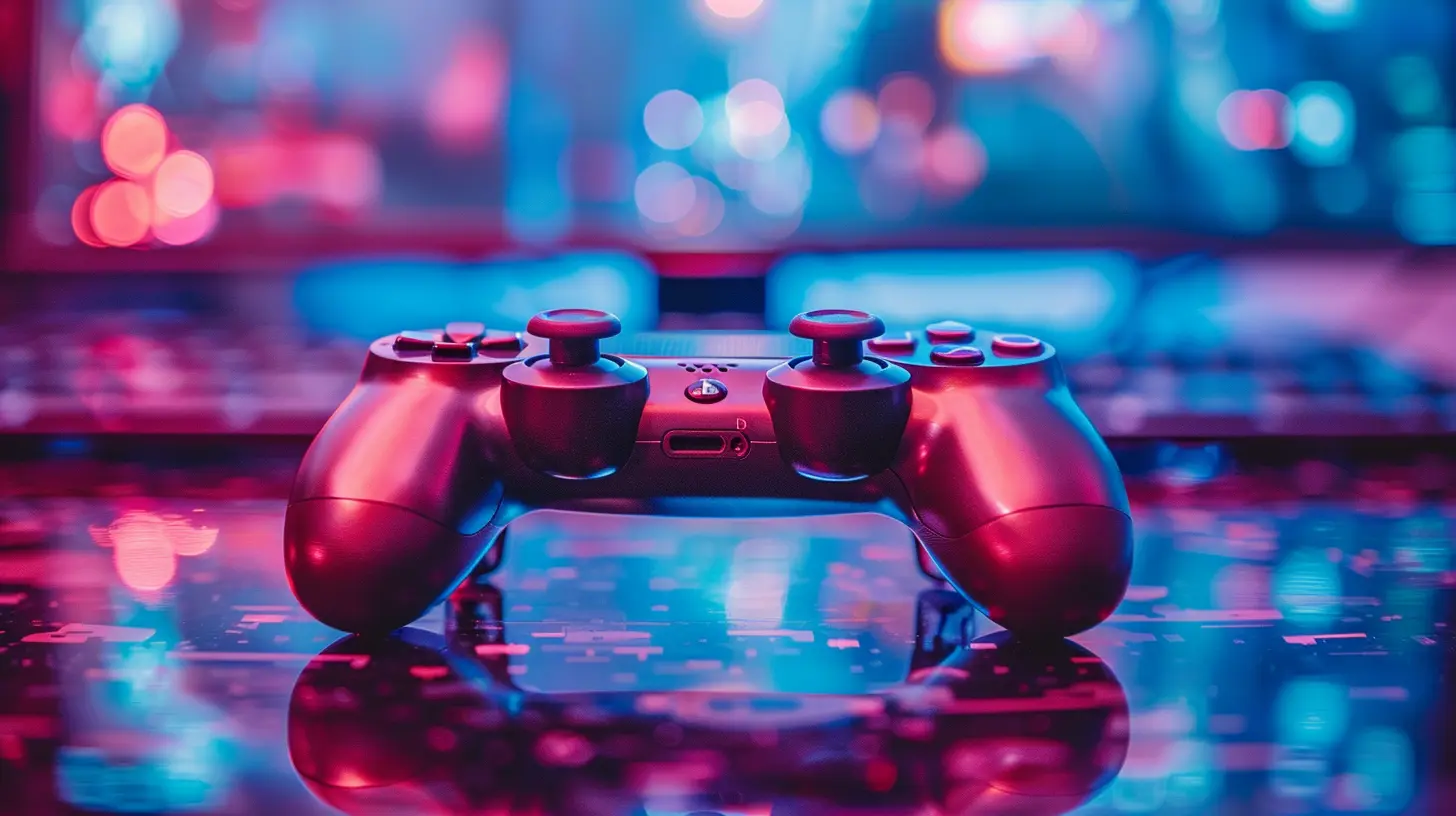
What Does Accessibility in Games Really Mean?
Think of accessibility in gaming like a ramp into a building: it doesn’t change what’s inside, but it makes sure everyone can get in and enjoy it.In the gaming world, accessibility means creating features that allow people with various disabilities—whether they’re physical, sensory, or cognitive—to fully experience and enjoy a game. That includes options for colorblind players, customizable controls for those with limited mobility, subtitles for the deaf or hard of hearing, and so much more.
It’s all about leveling the playing field (literally) so that everyone, regardless of ability, can join in on the fun.
Why Accessibility Was Ignored (Until Now)
Let’s be honest—accessibility hasn’t always been a priority for most developers. For years, devs often focused solely on the "average" player, assuming a specific level of ability.There were a few reasons for this:
- Lack of awareness: Many devs just weren't aware of how many gamers had disabilities.
- Limited resources: Small studios struggled to implement extra features.
- Narrow perspectives: Gaming was seen as a niche hobby, not a diverse community.
But that outlook is changing—and fast.
The Turning Point: Why The Industry Is Finally Paying Attention
The shift didn’t happen overnight, but a few key things sparked the change:1. Community Advocacy
Disabled gamers made their voices heard. Social media gave them a platform, and communities like AbleGamers and SpecialEffect stepped up to raise awareness. Gamers began sharing their struggles and calling for changes directly from developers.2. High-Profile Success Stories
Games like The Last of Us Part II and Forza Horizon 5 proved that accessibility and amazing gameplay can go hand in hand. TLOU2 shipped with over 60 accessibility settings—that’s not just impressive; it’s game-changing.3. Legislative Pressure
Laws like the CVAA (21st Century Communications and Video Accessibility Act) in the U.S. pushed developers to ensure communication features in games (like voice and text chat) are accessible.4. Business Realizations
Let’s face it—more accessible games means more potential players. The disabled gamer community is huge and growing. Ignoring them? That’s just bad business.
Types of Accessibility Features That Are Becoming Commonplace
Alright, so what are we talking about when we say “accessibility features”? Let’s dive into some concrete examples that are showing up more and more in modern games.1. Remappable Controls
Ever tried playing a game where the default controls just didn’t feel right? Now imagine if you physically couldn’t reach a button at all.Remappable controls let players assign actions to buttons that work best for them. It’s a simple feature with a huge impact.
2. Subtitles and Captioning
This one’s become almost standard now, and for good reason. Subtitles help not only deaf or hard-of-hearing players but also those playing without sound.Many games now offer adjustable subtitle sizes, background shading for contrast, and even color-coded dialogue.
3. Colorblind Modes
Around 1 in 12 men and 1 in 200 women are colorblind. That’s a lot of players who struggle with games that rely on color-based mechanics. Colorblind modes adjust color palettes so everyone can distinguish between in-game elements.4. Visual Cues and Audio Descriptions
Games like Halo Infinite use visual indicators for important sounds—like footsteps or gunfire—which is super helpful for deaf players. On the flip side, audio descriptions can help blind players understand what’s happening on screen.5. Difficulty Adjustments
Gone are the days when “easy mode” was seen as cheating. Developers now offer customizable difficulty options that let players tweak specific elements—like enemy damage or puzzle timers—without altering the core experience.It’s not about making the game “easier.” It’s about making it “playable.”
6. Screen Reader Support
For blind or low-vision gamers, screen readers are essential. Games with proper screen reader integration allow players to navigate menus, read descriptions, and understand gameplay elements without sight.7. Motion and Sensory Settings
Sensitivity sliders, the option to turn off camera shake, reduce flashing lights, or even enable single-stick movement—these features help gamers with sensory processing differences or motion sickness.Studios Leading the Charge
Some game developers are really paving the way for accessibility. Here are a few worth shouting out:- Naughty Dog – The Last of Us Part II set a new gold standard for inclusive design.
- Xbox Game Studios – With the Xbox Adaptive Controller and inclusive games like Forza, Microsoft is truly embracing accessibility.
- Ubisoft – Games like Assassin’s Creed Valhalla offer thorough subtitle options and visual indicators.
- Insomniac Games – Spider-Man: Miles Morales included customizable difficulty settings and input options.
These studios aren’t just adding features—they’re building accessibility into the game design from the ground up.
The Role of Hardware in Game Accessibility
It's not just the games themselves getting upgrades. The hardware world is stepping up too.Xbox Adaptive Controller
Launched by Microsoft, the Xbox Adaptive Controller allows users to plug in a variety of switches, buttons, and joysticks to match individual needs. It’s a game-changer, literally.Custom Controllers by NGOs
Organizations like AbleGamers and SpecialEffect create tailor-made controllers for individual players. Each one is built around the gamer’s specific physical capabilities.Eye-Tracking and Voice Control
While still in early stages, technologies like eye-tracking and voice command are offering even more ways to control games. Just imagine playing a shooter with your eyes—pretty wild, right?How Accessibility Benefits Everyone
Here's the kicker: accessibility doesn’t only help disabled gamers. It often improves the experience for everyone.- Subtitles? Great for playing late at night.
- Customizable difficulty? Perfect for busy gamers who still want to enjoy a story.
- Remappable controls? A lifesaver for anyone using an unusual setup.
Think of it like curb cuts on sidewalks—they're made for wheelchairs but also help parents with strollers, people with luggage, and delivery workers.
More accessibility equals more flexibility. And who doesn’t want that?
Future of Accessibility in Gaming: Where Do We Go From Here?
Progress has been made—but we’re not done yet.Universal Accessibility Standards
Right now, there’s no universal checklist for what makes a game “accessible.” Developers are basically using a mix-and-match approach. The future? Industry-wide standards and certifications could make accessibility the rule, not a bonus.Inclusive Game Testing
Involving disabled gamers during the testing phase ensures developers don’t miss real-world issues. It's kind of like asking a chef to taste their meal before serving it—makes sense, right?AI-Driven Accessibility
As AI gets smarter, it could automatically adapt gameplay on the fly for each player’s needs. Imagine a game that learns how you play and adjusts on the go—next-level stuff.Final Thoughts: It’s About Time
Let’s be real—every gamer deserves to play, compete, and just have fun. We’re finally seeing game developers realize that accessibility isn’t optional. It’s essential.The journey’s not over, but the fact that accessibility features are becoming standard is a huge win. Not just for the disabled community, but for gaming as a whole. Because when we design with inclusivity in mind, we all win.
So next time you boot up a game and see a bunch of accessibility options—you’ll know you’re witnessing the future of gaming... and it’s looking pretty awesome.
all images in this post were generated using AI tools
Category:
Game TrendsAuthor:

Tina Fisher
Discussion
rate this article
1 comments
Liam Green
It's great to see accessibility becoming a standard. Everyone should enjoy gaming equally.
July 2, 2026 at 4:47 AM
Tina Fisher
I completely agree. Accessibility in gaming opens doors for everyone to enjoy the experience together.