Gaming Mouse Precision: What to Look for in a Gaming Mouse
3 January 2026
When it comes to gaming, we all want that sweet edge over our opponents. Whether you're sniping in first-person shooters, strategizing in MOBA games, or diving into battle royales, precision matters—and your gaming mouse can make or break your performance. But, with so many options out there, hunting for the perfect mouse feels like trying to find a needle in a haystack.
So, how do you know which gaming mouse is the real MVP? What should you even look for? Sit tight, my friend, because we’re about to break it down into bite-sized, easy-to-digest chunks. By the end, you’ll know exactly what separates a “meh” mouse from a precision powerhouse. 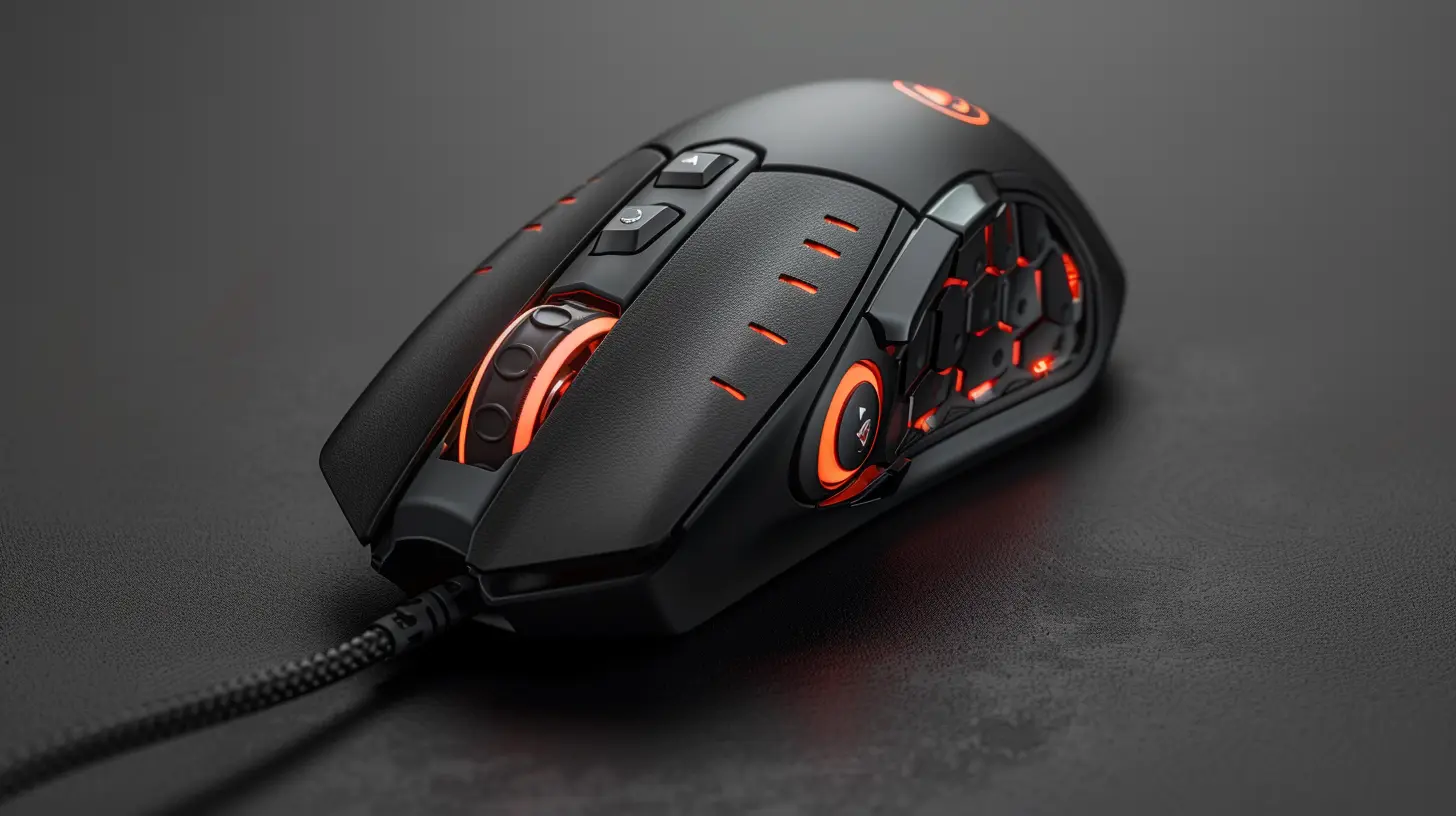
Why Gaming Mouse Precision Matters
Alright, let’s get real for a second. Did you know your gaming performance is heavily tied to how precise your mouse is? Think about it: every flick, drag, and click translates your IRL movement into a digital world. If your mouse messes up, it’s the equivalent of your controller having sticky buttons. Frustrating, right?Precision can be the difference between pulling off that clutch headshot or missing by a pixel (and hearing your teammates roast you for hours). Having the right gaming mouse is like bringing a scalpel to a game of Operation—it’s all about accuracy. 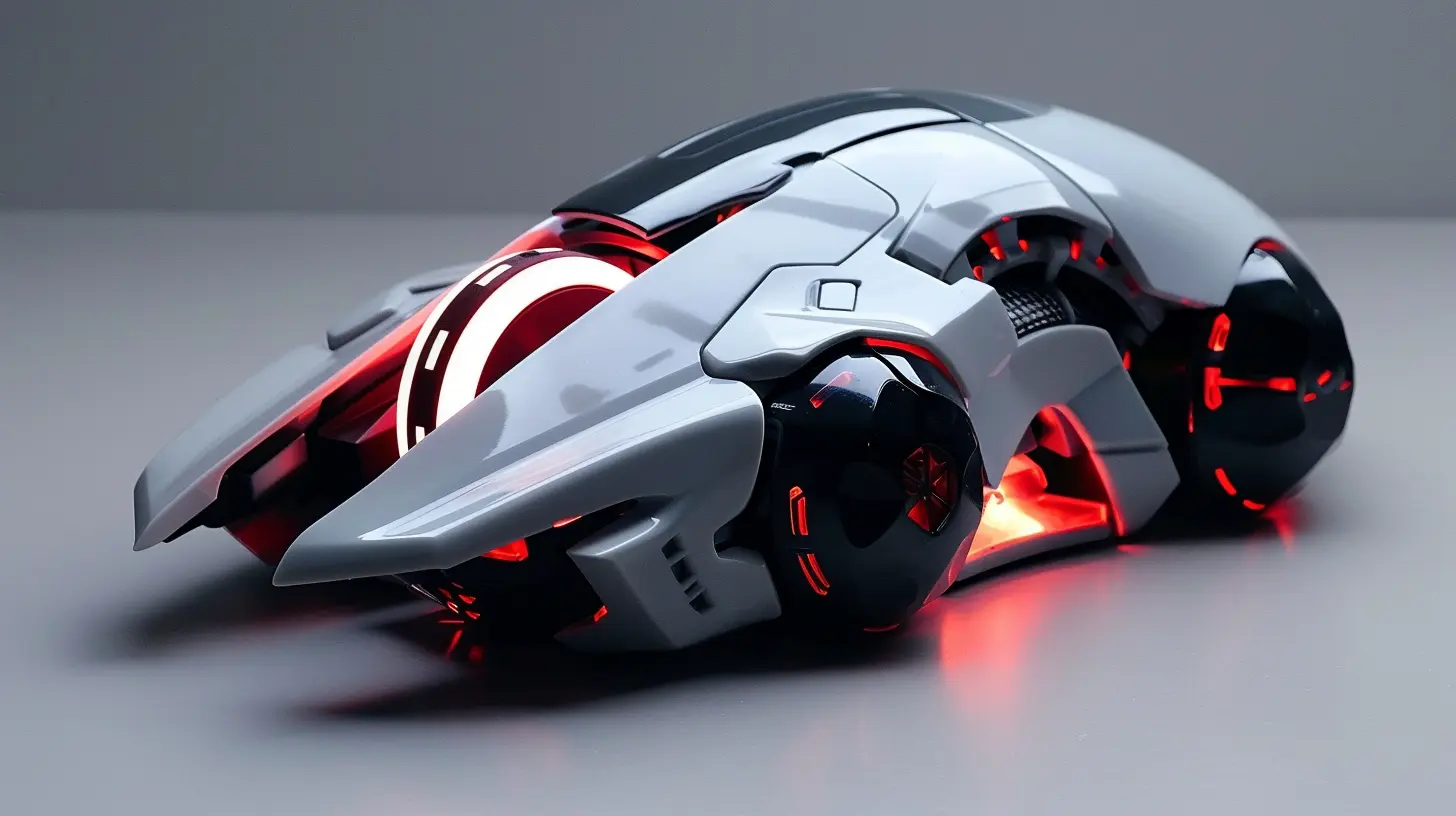
What Affects a Gaming Mouse’s Precision?
Before you go throwing money at the fanciest mouse on the shelf, you need to understand what actually affects precision. It’s not just about the looks or RGB lights (though, let’s admit, those are cool). Here are the key factors:1. DPI (Dots Per Inch)
DPI gets thrown around a lot in gaming mouse conversations, but what does it really mean? DPI measures how sensitive your mouse is. The higher the DPI, the more your cursor will move on-screen with smaller physical movements.But here’s the catch: higher isn’t always better. A ridiculously high DPI can make your mouse feel like it’s on steroids—too twitchy and impossible to control. Most pro gamers stick with moderate DPIs between 400 and 1600, adjusting to their playstyle and game genre.
Think of DPI like driving a sports car. Sure, you can floor it, but it doesn’t mean it’s practical for city traffic. Same with gaming—find what works for you.
2. Sensor Type (Optical vs. Laser)
The mouse sensor is like the heart of the device. There are two main types: optical and laser.- Optical Sensors: Great for accuracy and preferred by most gamers. These sensors use LED light to track movement and are best suited for non-reflective surfaces like a proper mouse pad.
- Laser Sensors: These offer higher DPI levels and work on almost any surface, even reflective ones. But—plot twist—they can be overly sensitive and less reliable in terms of precision for hardcore gaming.
For most gamers, optical sensors hit the sweet spot. They’re like the peanut butter to your jelly—reliable and satisfying.
3. Polling Rate
Ever heard of polling rate? If not, buckle up—it’s about to get geeky (but in a fun way). Polling rate is measured in Hertz (Hz) and tells you how often your mouse communicates with your computer.Most gaming mice offer polling rates between 125Hz and 1000Hz. The higher, the better, because it reduces input lag. Translation? Your in-game actions happen the moment you move or click. A polling rate of 1000Hz means the mouse sends data to your PC 1000 times per second. Talk about instant action!
4. Mouse Feet (Yes, Seriously)
It’s not glamorous, but the feet of your mouse—those little pads on the bottom—affect how smoothly it glides across your mouse pad. High-quality PTFE (polytetrafluoroethylene) feet minimize friction and provide a buttery-smooth glide.If your mouse feels like it’s dragging through molasses, cheap feet could be the culprit. Upgrade-worthy feet are low-key game-changers.
5. Weight Customization
Ever noticed how some mice let you adjust their weight? This isn’t just a gimmick—it’s about finding that Goldilocks zone (not too heavy, not too light).FPS players often prefer lighter mice for faster flick shots, while MMO or strategy gamers might like a bit of heft for better control. Some models even come with removable weights, so you can fine-tune it like you're building your dream loadout. 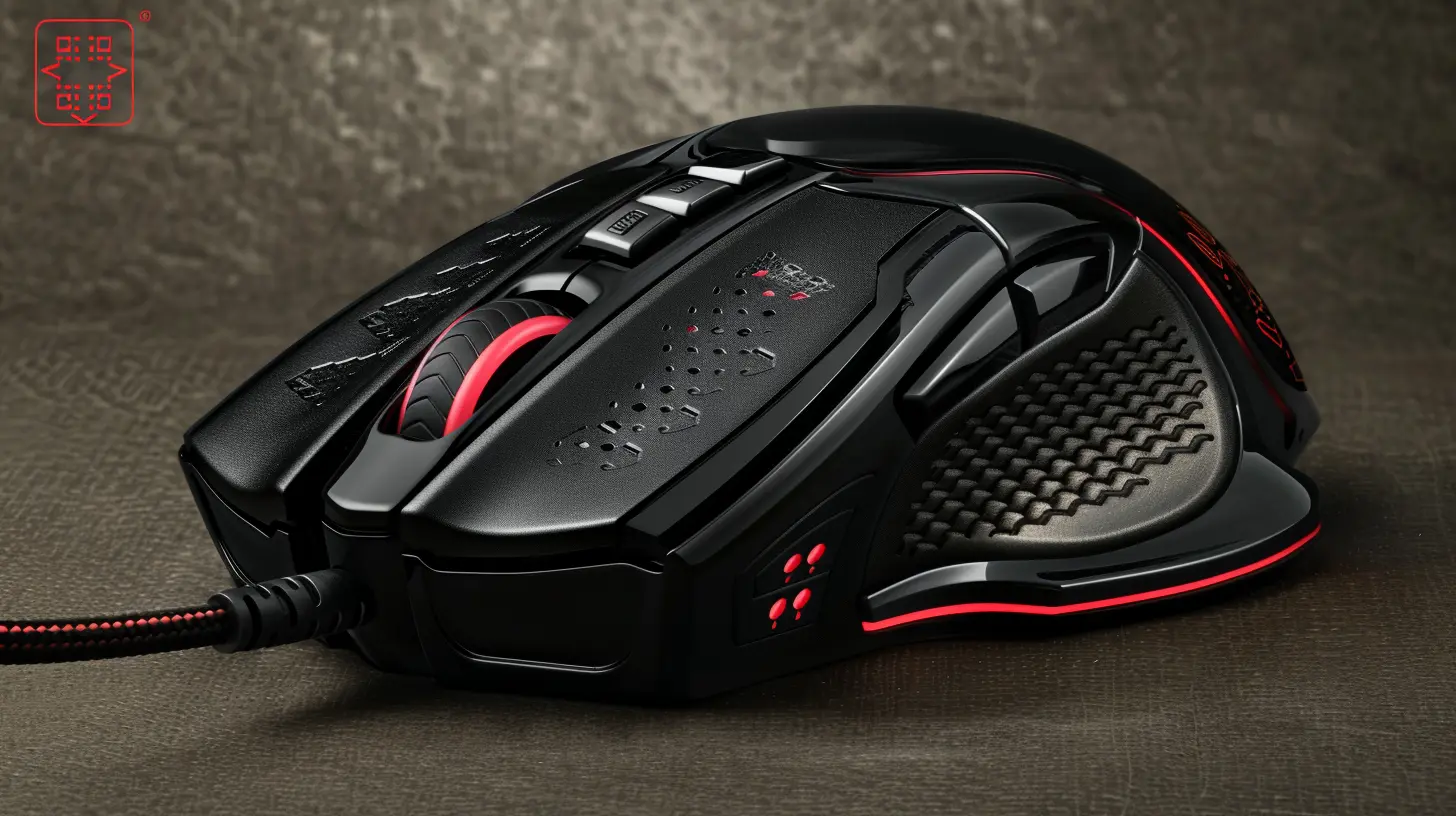
Ergonomics and Comfort
Let’s face it—gaming sessions can stretch into hours (or, let’s be honest, days). The last thing you want is a mouse that feels like a medieval torture device. Ergonomics are crucial, especially if you want to avoid hand cramps or carpal tunnel syndrome.- Grip Style: Think about how you hold your mouse. Are you a palm gripper, a claw gripper, or a fingertip gripper? Different mice cater to different styles, so keep this in mind when shopping.
- Size and Shape: Not all mice are created equal. A mouse that’s too big or too small for your hand will absolutely ruin your precision. It’s like trying to eat soup with a fork—awkward and inefficient. 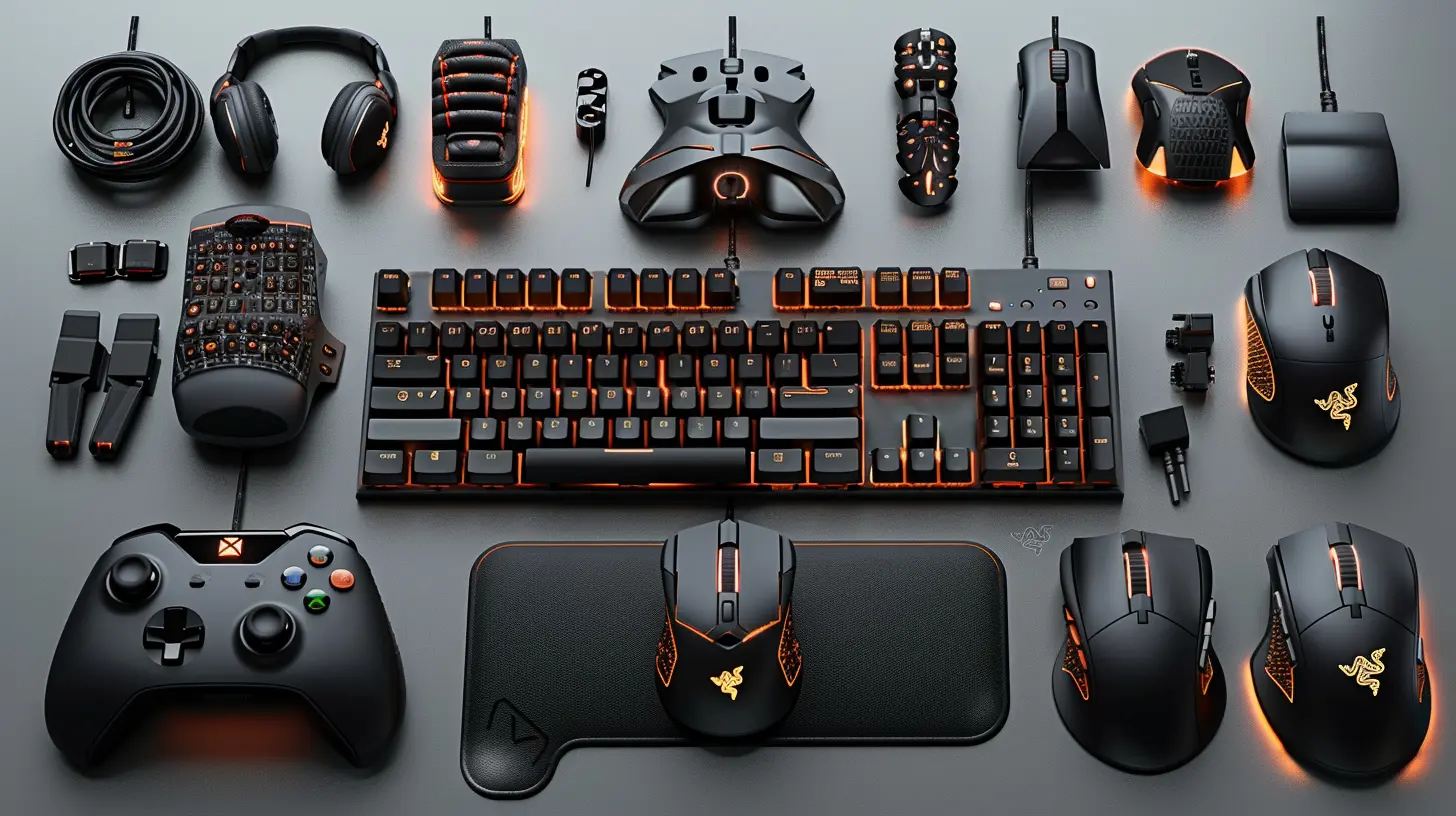
Programmable Buttons: Worth It or Overrated?
Here’s a pro tip: Programmable buttons aren’t just for MMO fans. Sure, having 12 thumb buttons sounds excessive (unless you’re grinding World of Warcraft), but even FPS players can benefit from a few extra buttons.Imagine mapping your melee attack, reload, or grenade throw to a thumb button instead of fumbling on the keyboard. It’s like having a cheat code, but, you know, legal. Extra buttons can streamline your gameplay and give you quicker in-game reactions.
RGB Lighting: Necessary or Just for Show?
Okay, let’s be honest. RGB lighting has zero impact on precision. But come on—who doesn’t want a mouse that lights up like a mini rave party?One thing to keep in mind: Lighting can drain battery life if you’re rocking a wireless mouse. Fortunately, most gaming mice let you customize or disable RGB settings. The real flex? Finding a mouse that looks amazing but also performs like a boss.
Wireless vs. Wired Gaming Mice
For years, wireless mice got a bad rap for lag and connectivity issues. But, times have changed. Modern wireless gaming mice are nearly indistinguishable from their wired cousins in terms of speed and precision.So, should you go wireless or wired? Here’s the TL;DR:
- Wireless Mice: No annoying cords. Perfect for a clean setup or if you hate cable tangles. Just make sure your mouse has good battery life and low latency.
- Wired Mice: No batteries to worry about, and they’re usually slightly cheaper. However, the cable can sometimes snag or drag, which can throw you off mid-game.
The Importance of a Good Mouse Pad
Let’s not overlook your mouse’s sidekick—the mouse pad. A high-quality mouse pad can elevate your precision, especially if you're using an optical sensor. Go for a large pad if you’re a low-sensitivity player (read: wide arm movements), or a smaller one if desk space is tight.Material matters too. Hard surfaces offer faster glide, while cloth pads give more control. It’s like choosing between a sports car and an off-road SUV—each has its use-case.
Finding the Right Gaming Mouse for YOU
Ultimately, the right gaming mouse boils down to personal preference. What works for one person might not work for another. It’s all about finding a mouse that feels like an extension of your hand.Your budget, gaming genre, and even your hand size play a role. Trial and error might be your best friend here. Some brands, like Logitech, Razer, and SteelSeries, offer great options at various price points.
Conclusion
A gaming mouse isn’t just another accessory—it’s a weapon in your gaming arsenal. Precision matters, and finding the right mouse can elevate your gameplay to god-tier levels. From DPI settings and sensor type to ergonomics and weight, every detail counts.Don’t skimp on quality. Your hands (and your kill-death ratio) will thank you. So, the next time you’re on the hunt for a gaming mouse, remember: precision is king. Good luck, and may your clicks always hit their mark!
all images in this post were generated using AI tools
Category:
Gaming AccessoriesAuthor:

Tina Fisher
Discussion
rate this article
2 comments
Hattie McVeigh
Great article! Your insights on gaming mouse precision are spot on. The emphasis on DPI settings and sensor quality is particularly valuable for gamers looking to enhance their performance. Thank you for providing clear guidance on what to consider when choosing a gaming mouse!
January 11, 2026 at 3:22 PM
Tina Fisher
Thank you for your kind words! I'm glad you found the insights on DPI and sensor quality helpful for enhancing gaming performance. Happy gaming!
Susan Scott
Choose precision! It’s key for a competitive edge.
January 7, 2026 at 4:21 AM
Tina Fisher
Absolutely! Precision is crucial for an optimal gaming experience and can significantly enhance your competitive advantage.